Digitization of Text
The process of turning text into machine-readable data has some tradeoffs and advantages that must be considered.
How It Works
One can scan the document to create a digital image like a PDF or JPEG, or type the text directly into a word processor.
Trade-offs to Consider
The accuracy of text scanning is debatable and some text can be lost in the process of digitization. Likewise, higher resolution scans give better results but lead to bigger files
Process
-
Input: Physical text (e.g., a book, handwritten note) or analog text (e.g., typewritten document).
-
Step 1: Scanning or Typing
-
Use a scanner to create a digital image (e.g., a PDF or JPEG of the page).
-
Or manually type the text into a word processor.
-
-
Step 2: Optical Character Recognition (OCR) (if scanned)
-
Software analyzes the scanned image and converts printed letters into machine-readable text (e.g., Word document or searchable PDF).
-
Tradeoffs
-
Accuracy vs. Speed
-
High-accuracy OCR (especially for messy handwriting or older fonts) takes longer and may require manual corrections.
-
-
File Size vs. Quality
-
Higher resolution scans improve OCR accuracy but increase file size.
-
-
Editable Text vs. Original Format
-
OCR converts to editable text but might lose formatting (e.g., tables, special fonts, layouts).
-
Digitization of sound
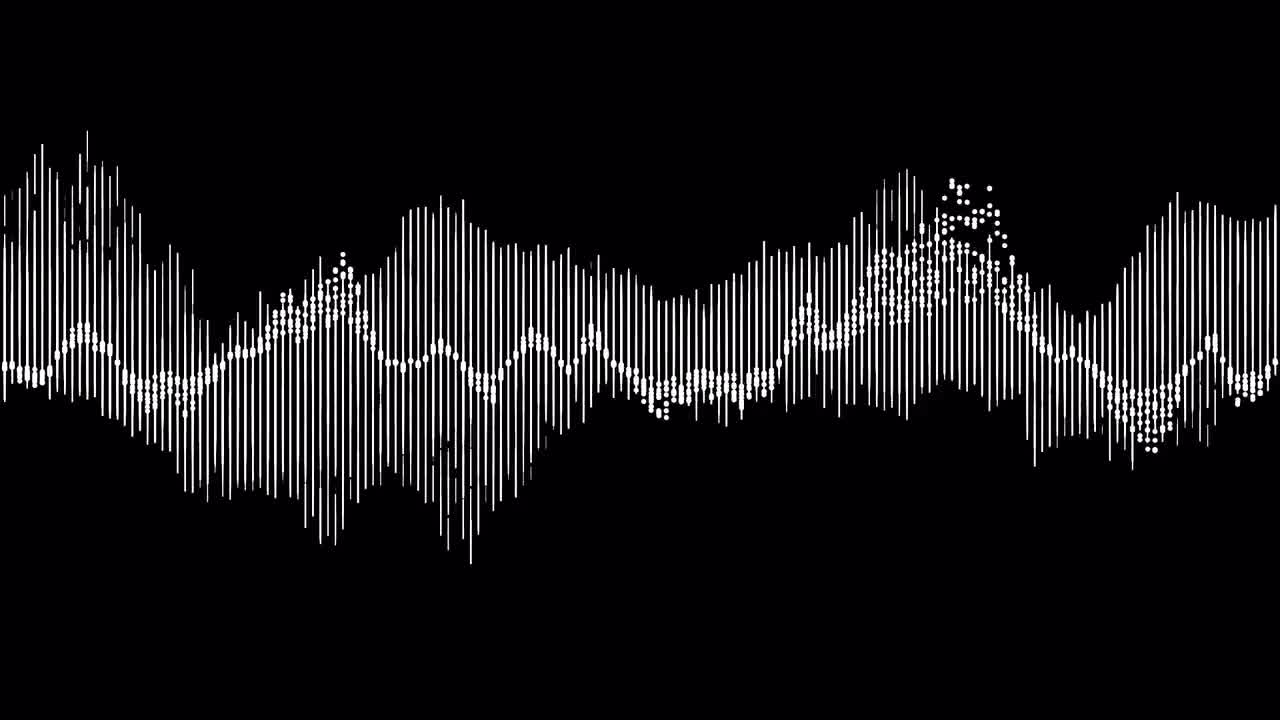
From old vinyl records to live recordings, sound digitization captures audio waves and converts them into digital data we can store, edit, and share.
Process
-
Input: Analog sound (e.g., a voice, music on a vinyl record or cassette tape).
-
Step 1: Sampling
-
The sound wave is measured (sampled) at regular intervals.
-
Example: CD quality uses 44,100 samples per second (44.1 kHz).
-
-
Step 2: Quantization
-
Each sampled amplitude is assigned a numerical value.
-
Example: CD audio uses 16-bit quantization, meaning each sample is represented by one of 65,536 possible values.
-
-
Step 3: Encoding
-
The samples are stored as digital binary data (e.g., WAV, MP3).
-
Tradeoffs
-
Sample Rate & Bit Depth vs. File Size
-
Higher sample rate + higher bit depth = better sound quality but much larger files.
-
Example: 24-bit/96 kHz audio sounds richer than 16-bit/44.1 kHz, but files are ~3x larger.
-
-
Compression vs. Quality
-
Lossy compression (e.g., MP3) reduces file size but sacrifices sound fidelity.
-
Lossless formats (e.g., FLAC) preserve full quality but use more storage.
-
-
Processing Power vs. Accessibility
-
High-resolution audio requires better hardware to play smoothly.
-